Author: admin

  • 7 Best Alternatives to PimEyes in 2026 (Tested & Compared)

    7 Best Alternatives to PimEyes in 2026 (Tested & Compared)

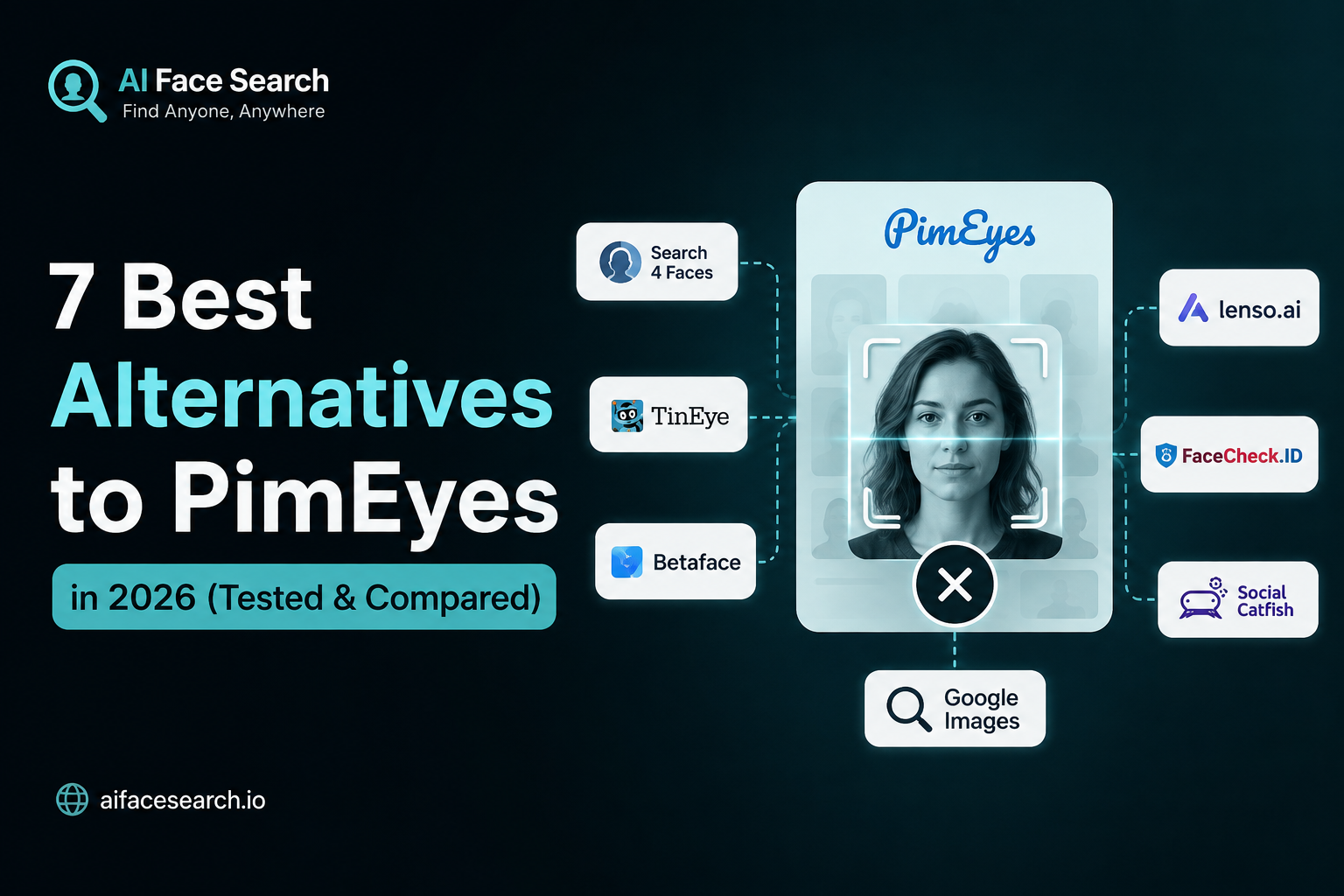
    PimEyes has long been the go-to name in reverse face search — but it’s no longer the only option, and for many people, it’s not even the best one. Between rising subscription costs, limited free-tier access, and ongoing privacy debates around how PimEyes indexes and stores facial data, more users are actively looking for alternatives that offer better pricing, stronger privacy practices, or simply a better match rate.

    In this guide, we’ve researched and compared the seven best PimEyes alternatives available in 2026 — including newer AI-driven engines like AIFaceSearch, established names like Social Catfish and TinEye, and privacy-first challengers like FaceCheck.ID and Lenso.ai. For each tool, we break down what it does well, where it falls short, pricing, and who it’s actually built for.

    Why Look for a PimEyes Alternative?

    Before jumping into the list, it’s worth understanding why so many people are searching for something other than PimEyes in the first place:

    • Cost: PimEyes operates on a paid-subscription model. Its free tier lets you confirm a match exists but blurs thumbnails and hides source URLs, so getting anything actionable requires a monthly plan that can feel steep for a one-off search.
    • Coverage gaps: PimEyes indexes the public web (news sites, blogs, forums) well, but it has limited reach into platforms that block crawling, meaning some social media images won’t surface.
    • Privacy concerns: Because PimEyes performs unrestricted face-based lookups, it has drawn criticism from privacy advocates and regulators in multiple regions over consent and biometric-data handling.
    • Use-case mismatch: Not everyone needs the same thing. Some people want identity verification (who is this person?), others want digital-footprint monitoring (where does my photo appear?), and others want to detect deepfakes or catfishing attempts. PimEyes isn’t optimized for all of these equally.

    With that context, here are the seven alternatives worth considering.

    1. AIFaceSearch.io: Best AI-Powered Alternative Overall

    AIFaceSearch.io has quickly become one of the most talked-about PimEyes competitors in 2026, and for good reason. Rather than relying primarily on basic image-similarity matching (the way older reverse-image tools do), AIFaceSearch uses deep learning and facial embeddings — mapping the geometric structure of a face, the distances between key features, and other biometric patterns — to identify matches even when photos differ in lighting, angle, age, or image quality.

    What makes it stand out:

    • Smarter matching, not just duplicate detection. Because it compares facial structure rather than pixel similarity, AIFaceSearch tends to perform better than legacy tools on cropped photos, low-resolution images, or pictures taken years apart.
    • Clean, accessible interface. It’s built to be usable by everyday people, not just researchers or investigators — upload a photo and get readable results without a steep learning curve.
    • Broad use-case coverage. It’s positioned well for identity verification, social discovery, dating-safety checks, and general reverse face lookups.

    Best for: Users who want next-generation AI matching accuracy without the complexity (or price tag) of enterprise-grade tools.

    Consideration: As a newer entrant relative to PimEyes, its historical/archival image coverage is still growing, though its core matching technology is frequently cited as one of the more advanced options on the market right now.

    2. Lenso.ai: Best for Exact Face Matches with Source URLs

    Lenso.ai is one of the most direct PimEyes competitors, built specifically around finding exact face matches and returning the original URLs where an image was published — not just visually similar faces.

    Key features:

    • Upload multiple images of the same person to improve match precision.
    • Filter results by time frame.
    • Share results or copy a result ID for record-keeping.
    • Re-search using an image pulled directly from your results, letting you chain searches to trace an image’s spread across the web.

    Best for: People who need to verify where a specific photo has been republished — useful for spotting scam profiles, catfishing, or unauthorized use of personal images.

    Consideration: Like PimEyes, full functionality sits behind a paid plan, though many reviewers rank it as a strong (and in some cases preferable) alternative on raw accuracy.

    3. FaceCheck.ID: Best for Identity Resolution

    Where PimEyes mostly answers “where else does this image appear?”, FaceCheck.ID is built to answer a different question: “who is this person?”

    Key features:

    • Credit-based pricing instead of a mandatory recurring subscription — useful if you only need occasional searches.
    • Focus on surfacing social media profiles and public records tied to a face, not just matching images.
    • Confidence scoring on results to help filter out weak matches.

    Best for: Identity verification and background-style checks where you want to know who someone is, not just where their photo has been posted.

    Consideration: It’s not a dedicated face-matching engine in the same exhaustive sense as PimEyes or Lenso.ai — it won’t always catch non-identical photos of the same person across very different contexts.

    4. Social Catfish: Best All-in-One Identity Verification Platform

    Social Catfish takes a broader approach than pure face search. It combines reverse image search, facial recognition, and traditional people-search (name, email, phone number, username, address) into a single platform.

    Key features:

    • Cross-references facial matches against public records for a fuller identity picture.
    • Useful beyond face search alone — you can start with a name, phone number, or username instead of a photo.
    • Popular specifically for online dating safety, helping users verify whether a match’s photos and profile are genuine or lifted from someone else.

    Best for: Catfishing and romance-scam detection, or any situation where you have more than just a photo to work with.

    Consideration: Its facial-recognition layer is lighter than dedicated face-search engines — the real strength is in how thoroughly it cross-references multiple data points at once.

    5. TinEye: Best for General Reverse Image Search

    TinEye isn’t a facial-recognition tool in the strict sense — it’s a reverse image search engine — but it’s included here because it’s frequently used as a lightweight, free alternative when the goal is simply to find out where a photo has appeared online, including profile pictures.

    Key features:

    • No facial biometric matching — it compares full images, not facial geometry.
    • Strong at finding exact or near-exact copies of an image across the web.
    • Long-established index with reliable, fast results.

    Best for: Quickly checking whether a profile photo has been stolen or reused elsewhere, without needing dedicated facial-recognition technology.

    Consideration: Because it doesn’t do true facial matching, it will miss cases where the same person appears in a different photo — it only catches reuse of the same image.

    6. Eyematch.ai: Best Simple, Focused Face Search Tool

    Eyematch.ai keeps things intentionally minimal. It doesn’t try to be an identity-verification platform or a people-search aggregator — it does one thing: search by face and locate photos of that person across the public web.

    Key features:

    • Straightforward upload-and-search flow with no unnecessary extras.
    • Supports group photos, letting you select which face in the image to search for.
    • Effective core matching despite the stripped-down feature set.

    Best for: Users who want a no-frills tool focused purely on face search, without extra identity-verification add-ons.

    Consideration: The simplicity is also a limitation — there’s no built-in record aggregation, monitoring, or takedown workflow the way some competitors offer.

    7. Face Search AI: Best Free Option

    If cost is the main reason you’re leaving PimEyes, Face Search AI is worth a look. It’s built specifically as an accessible, no-subscription-required alternative.

    Key features:

    • A limited number of free reverse face searches per day with no card or signup required.
    • Searches only publicly indexed content — public profiles, posts, and pages — and explicitly excludes private accounts and surveillance sources.
    • Offers a free takedown/removal request form for people who want their own face excluded from results.

    Best for: Casual users who need to verify a face occasionally and don’t want a recurring subscription.

    Consideration: The free tier is rate-limited, and index depth is smaller than PimEyes’ long-established archive — heavier or professional use cases will likely need a paid plan.

    Final Thoughts

    PimEyes helped popularize reverse face search, but in 2026 it’s competing against tools that are faster, cheaper, more private, or simply better suited to specific tasks. AIFaceSearch stands out as the strongest all-around AI-powered alternative thanks to its deep-learning-based facial matching, while Lenso.ai, FaceCheck.ID, and Social Catfish each excel in more specialized use cases. If budget is the main concern, Face Search AI and TinEye offer genuinely free ways to get started.

    The best approach: match the tool to your actual need — identity verification, image tracing, scam detection, or casual curiosity — rather than assuming one platform does it all.

  • How to Identify Unknown People in Old Family Photos?

    How to Identify Unknown People in Old Family Photos?

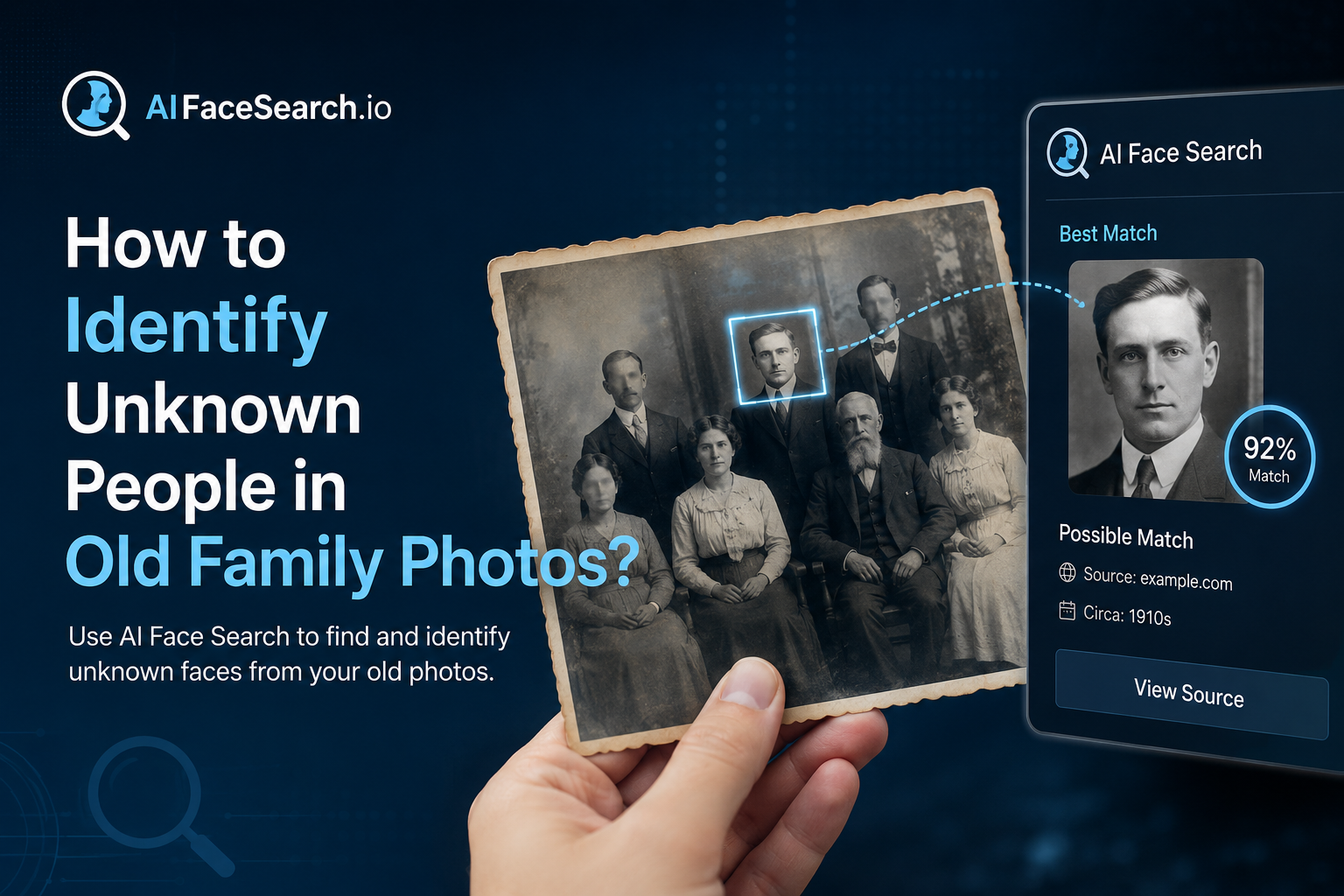
    That box of unlabeled family photos doesn’t have to stay a mystery. Here’s how facial recognition and a few genealogy research habits can help you put names to faces.

    Almost every family has one: a shoebox, album, or digital folder full of old photographs with no names attached. A wedding portrait from the 1940s. A group photo at a reunion where only half the faces are familiar. A childhood picture of a grandparent, unrecognizable except for a family resemblance you can’t quite place. For most of history, solving these mysteries meant relying entirely on living relatives’ memory — and once that generation is gone, so is the context. Facial recognition technology has become a genuinely useful new tool for this specific kind of research, one that major genealogy platforms have invested in heavily over the past few years.

    Why This Has Become Easier in the Last Few Years?

    At RootsTech, the world’s largest family history conference, recent sessions have focused heavily on how artificial intelligence and facial recognition are changing photo-based genealogy research. Major platforms including Ancestry and FamilySearch have built facial recognition directly into their tools, allowing users to scan a photo collection and receive suggested matches against other photos already tagged with names in a family tree. This is a meaningful shift from just a few years ago, when identifying a face in an old photo depended almost entirely on someone in the family remembering it correctly.

    From Manual Comparison to Structural Matching

    Older approaches to this problem — squinting at two photos side by side, trying to judge whether a nose or jawline matches — are subjective and unreliable, especially across large age gaps. Modern facial recognition tools instead map the geometric relationships between facial features (the distance between the eyes, the shape of the jaw, the position of the cheekbones) and compare that structure across photos, which tends to hold up better across decades of aging than a purely visual comparison does.

    Step-by-Step: Identifying Faces in Your Old Photos

    1. Digitize and Prepare Your Collection First

    Before running any kind of facial recognition search, physical photos need to be scanned at a reasonably high resolution — genealogy specialists commonly recommend a minimum of 600 DPI to preserve enough facial detail for reliable analysis. Handle original prints carefully (cotton gloves are a common recommendation to avoid oil and dirt damage) since many of these images are irreplaceable.

    2. Start With Photos You Can Already Identify

    Facial recognition tools work by comparison, so they need a starting reference point. Begin by tagging photos of relatives whose identities you’re already confident about — the more tagged, known photos of a person you have across different ages, the more reliable the software becomes at recognizing that same person in an unlabeled photo, including much older or younger versions of their face.

    3. Run Reverse and Structural Face Comparisons on the Unknowns

    Once you have a base of known, tagged faces, the unidentified photos can be checked against that library. Several tools approach this differently:

    • Family-tree-integrated tools (like those built into major genealogy platforms) suggest matches directly from your own tagged photo collection and cross-reference against your existing family tree data.
    • Cross-user matching tools allow you to opt in to compare your unidentified faces against photos shared by other genealogists — useful when a mystery relative might appear in a different branch of the family’s photo collection, one you don’t have access to.
    • General-purpose face and reverse image search tools can help in a different way: checking whether a specific photo (or the person in it) appears anywhere else online, which is particularly useful for photos that may have been published historically — in a newspaper, a yearbook, or a public archive — even if no living relative has ever seen that specific print.

    4. Cross-Reference With Non-Photographic Clues

    Facial recognition works best as one signal among several, not a standalone answer. Genealogists specializing in old photo identification recommend combining any facial match with:

    • Clothing and fashion dating. Clothing styles, hairstyles, and photographic formats (tintype, cabinet card, Polaroid, etc.) can narrow down a rough time period.
    • Photographer’s studio marks. Many older prints include a studio name or location stamped on the back or border, which can be cross-referenced against business records to narrow down when and where a photo was taken.
    • Family tree context. If facial recognition suggests two photos show the same person, check whether the estimated ages and time period are even plausible given what you know about that relative’s life.

    5. Treat Software Suggestions as Leads, Not Verdicts

    Every genealogist who has worked extensively with these tools makes the same point: manage your expectations. AI face match performs best on high-quality, front-facing photos and becomes noticeably less reliable with blurry images, extreme angles, or very low-resolution scans. A suggested match is a strong lead worth investigating further — checking against other records, asking older relatives, cross-referencing dates — not a final, unquestionable identification.

    What to Do Once You’ve Identified a Face

    Document Your Sources

    When you do confirm an identification — whether through facial recognition, a relative’s memory, or supporting records — write down how you reached that conclusion. Future researchers in your family (including future you) will want to know whether an ID is a confirmed fact or an educated guess.

    Build a Simple Organization System

    Genealogy researchers who’ve been through large unlabeled photo collections consistently recommend setting up a naming or tagging system as you go, rather than waiting until the end. Once photos are re-boxed or re-filed without names attached, you’re back to square one — which, for many people, is exactly how they ended up with an unlabeled collection in the first place.

    Share Findings With Extended Family

    Photo identification projects often benefit enormously from wider family input. A cousin or distant relative may have a labeled version of the exact same photo, additional context about the event pictured, or a stronger memory of a specific relative’s appearance at a particular age. Cross-user genealogy photo tools exist specifically to make this kind of extended-family collaboration easier, even among relatives who’ve never met.

    A Realistic Set of Expectations

    Facial recognition has meaningfully lowered the barrier to solving old family photo mysteries, but it isn’t magic. It performs best when you already have a reasonably well-documented family tree and a decent number of confidently identified reference photos to compare against. For very old, low-quality, or heavily damaged images — and for people who left little to no photographic record at all — some mysteries will likely remain mysteries. Even so, for the enormous number of “who is this?” photos sitting in family collections worldwide, this technology has turned what used to be dead ends into genuinely solvable research questions.

  • How to Find Out If Someone Is Impersonating You Online

    How to Find Out If Someone Is Impersonating You Online

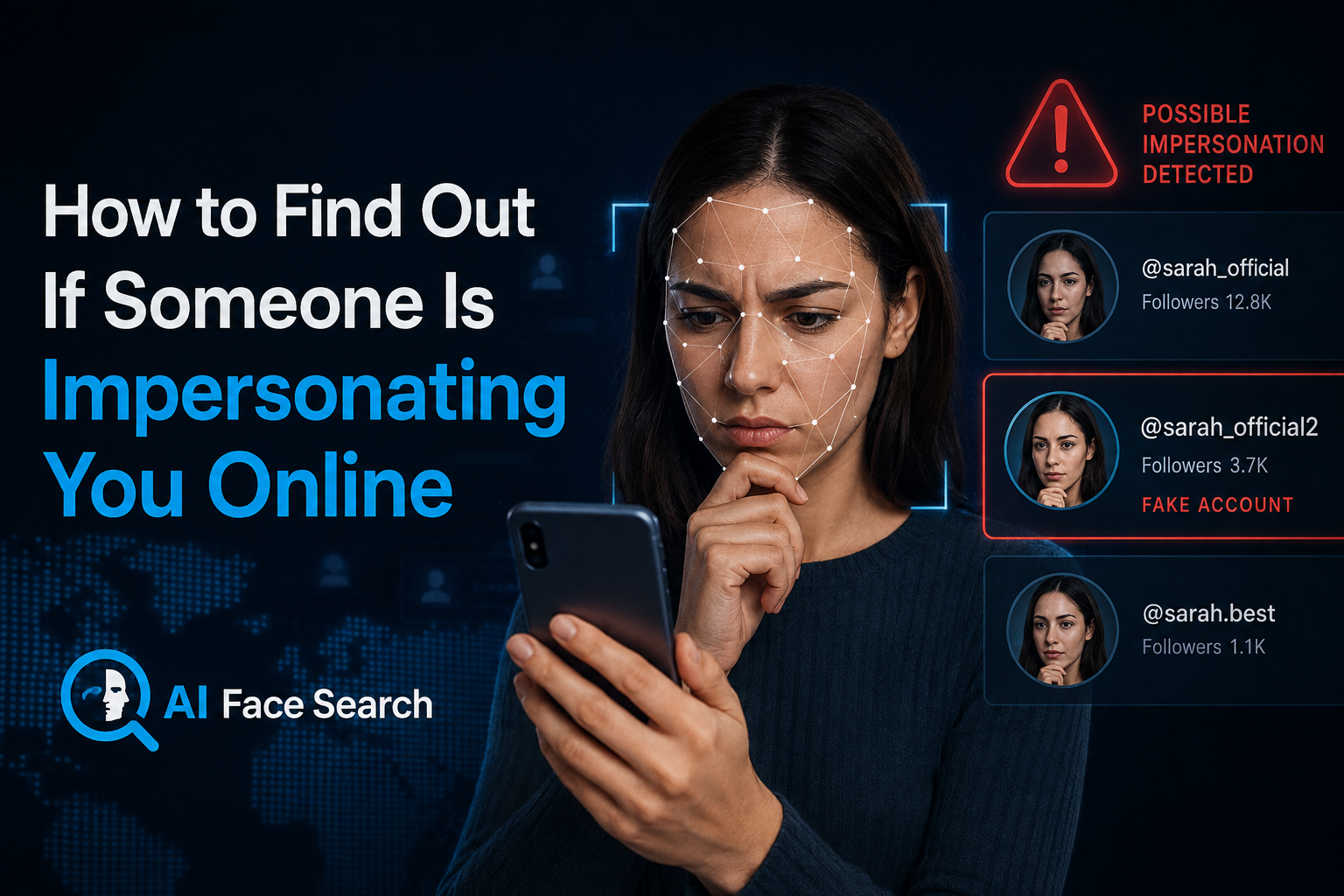
    Online impersonation isn’t rare, and it isn’t limited to celebrities or public figures. Security researchers estimate that well over a hundred million fake profiles exist on major social platforms at any given time, and a meaningful share of them exist specifically to impersonate a real, identifiable person — copying their name, photos, biography, and even posting style closely enough to deceive that person’s own contacts. Separately, cybersecurity researchers tracking account compromise found that a large majority of people whose accounts get hacked later discover the attacker used their identity to impersonate them directly to friends, family, or professional contacts.

    Whether it’s a cloned profile used to scam your friends, a fake account built entirely from your public photos, or a more targeted professional impersonation, the earlier you catch it, the less damage it tends to cause.

    How Online Impersonation Actually Happens?

    Account Cloning

    The most common form: someone copies a real, active account’s profile photo, name, and often bio, then creates a near-identical new account and sends friend or follow requests to the original account’s network. Because the cloned profile looks familiar, a meaningful percentage of contacts accept without checking closely, at which point the impersonator can send scam links, fraudulent money requests, or malware directly through what looks like a trusted contact.

    Full Identity Reconstruction

    More sophisticated impersonation goes further than copying a profile photo — building a detailed, believable persona using publicly available information. Professional networking platforms are a particularly common target for this pattern, since job titles, employers, and professional connections are typically public by default, giving an impersonator everything needed to build a convincing fake professional identity, often used for fraudulent recruiting scams or fake business outreach.

    AI-Generated and Deepfake Impersonation

    A newer and faster-growing category uses AI to generate synthetic video or voice that convincingly mimics a real person, rather than simply copying static photos. Security researchers have documented live demonstrations of this — including a real-time deepfake that convincingly replaced a reporter’s face and voice during an actual broadcast interview — underscoring how far this technology has advanced beyond simply stealing a profile photo.

    Account Takeover

    Distinct from cloning, this involves an attacker gaining direct access to someone’s real, existing account — through a password breach, phishing, or credential reuse across multiple sites — and using it to impersonate the actual account owner from their genuine profile. Because password reuse remains widespread, a single compromised account frequently gives an attacker a path into several of a victim’s other accounts as well.

    Signs You May Be Being Impersonated

    Friends or Contacts Report Strange Messages

    Often, the very first sign of impersonation isn’t something you notice yourself — it’s a friend or colleague asking why you sent them an unusual message, link, or money request you never actually sent.

    Duplicate Accounts Appear in Search

    Periodically searching your own name (and variations of it) alongside your profession, city, or other identifying details can surface duplicate or near-duplicate profiles you didn’t create.

    Your Photos Appear on Unfamiliar Profiles

    This is where a facial or reverse image search becomes directly useful: searching your own profile photos can reveal whether they’ve been copied onto other, unfamiliar accounts — sometimes attached to a different name entirely, sometimes cloned almost exactly.

    Unusual Login or Account Activity

    Unexpected password reset emails, login notifications from unfamiliar locations, or messages sent from your account that you don’t remember writing are strong indicators of an account takeover rather than a simple clone.

    How to Actively Check for Impersonation?

    Search Your Own Name and Photos Periodically

    Treat this the way you’d treat checking your credit report — not something you do once, but a periodic habit. Search your name across major platforms, and run your most-used profile photos through a facial or reverse image search to check whether they’ve surfaced on accounts you don’t recognize.

    Check for Look-Alike Usernames and Handles

    Impersonators frequently use handles that are extremely close to the original — a slightly altered spelling, an added number or underscore, or a near-identical display name paired with a copied photo. A quick manual search of common variations of your own handle across platforms can catch these early.

    Ask Your Network Directly

    Because impersonation often targets your existing contacts rather than strangers, occasionally asking close friends, family, or colleagues whether they’ve received anything unusual “from you” can surface an active impersonation attempt before it causes real damage.

    Set Up Ongoing Monitoring for High-Exposure Situations

    For public-facing professionals, business owners, or anyone with a large public following, manual periodic checks may not be frequent enough. Automated brand and identity monitoring tools — which continuously scan for new accounts using your name, photos, or likeness — are increasingly treated as a baseline precaution rather than an optional extra, since research on brand impersonation has found that fake accounts are often live and active for weeks before anyone internally notices them.

    What to Do Once You Confirm Impersonation?

    Document Everything Before Reporting

    Screenshot the fake profile, its posts, and any messages sent from it before filing a report — impersonation accounts are sometimes deleted or altered quickly once reported, and you may need this evidence later, particularly if financial fraud is involved.

    Report Directly to the Platform

    Every major platform has a specific impersonation-reporting process, distinct from general content reporting, and usually requires you to confirm your own identity as part of the process. Response times vary significantly between platforms, so understanding each platform’s specific evidence requirements in advance (rather than during an active incident) speeds up resolution meaningfully.

    Warn Your Network Proactively

    Rather than waiting for contacts to individually discover the fake account, a direct, public post (or personal message to close contacts) warning that a specific account is impersonating you can prevent scam messages sent from the fake profile from succeeding.

    Secure Your Real Accounts

    If impersonation coincides with any sign of account takeover — unfamiliar login activity, password reset emails you didn’t request — change your password immediately, enable two-factor authentication if it isn’t already active, and check for and revoke any unfamiliar connected apps or sessions.

    Consider Legal or Law Enforcement Involvement for Serious Cases

    Impersonation that involves financial fraud, harassment, or serious reputational harm may warrant a formal report to law enforcement or, for significant financial losses, a report to your national consumer fraud agency, in addition to platform-level reporting.

    Building Impersonation-Resistant Habits Going Forward

    No set of habits eliminates the risk entirely, but a few practices meaningfully reduce your exposure: keeping your most identifiable photos slightly less universally public, reviewing privacy settings on personal accounts periodically, using unique passwords across platforms so a single breach doesn’t cascade into others, and treating a periodic self-search — of your name and your photos — as a normal part of managing your online presence, the same way you might periodically check your own credit or public records.

  • Catfish Finder: A New Era to Track Your Image Usage

    Catfish Finder: A New Era to Track Your Image Usage

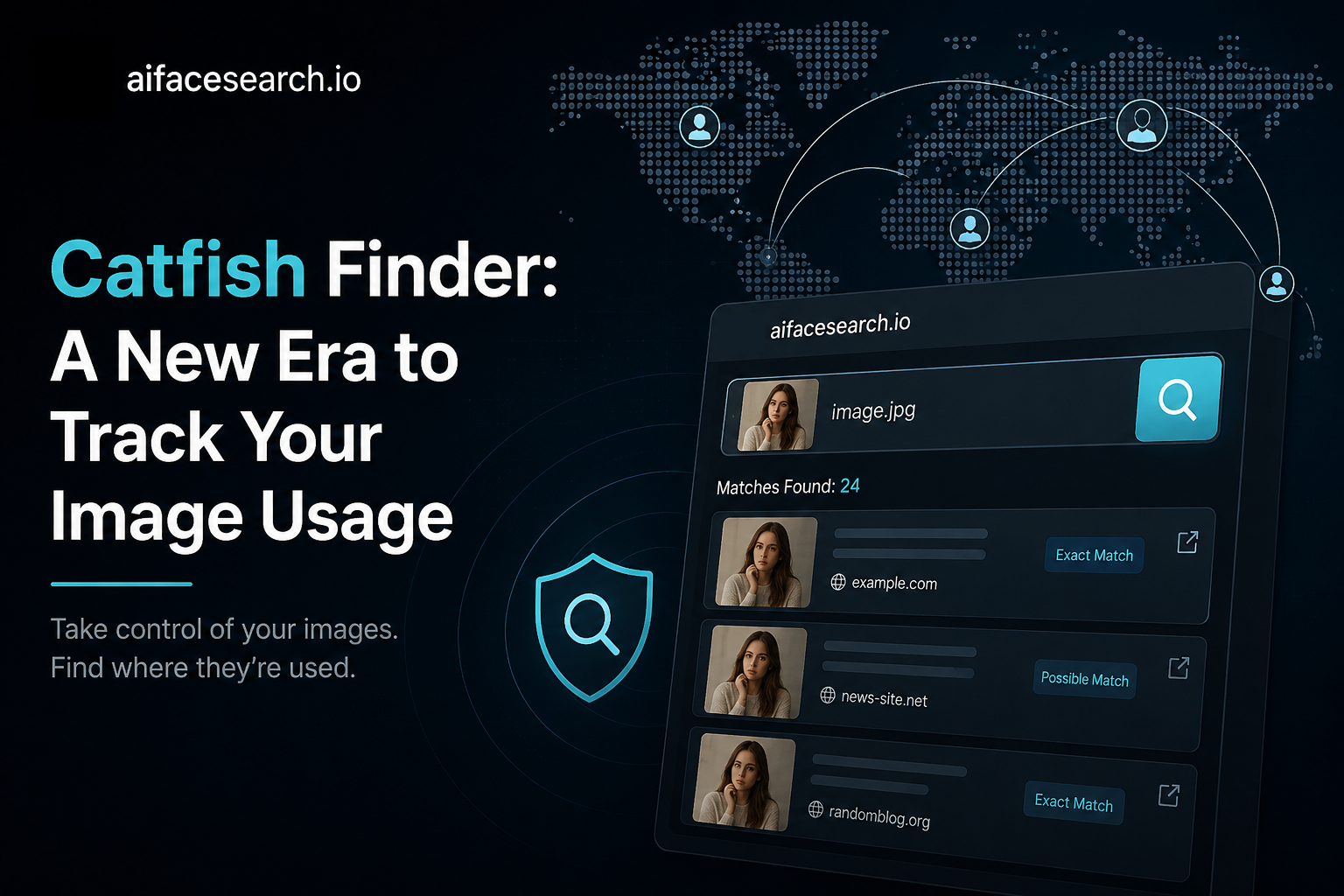
    Every photo you post online has a life of its own. It can be saved, copied, re-uploaded, and repurposed by someone else in seconds, often without you ever knowing. That’s exactly why catfish finder tools have become essential in 2026: they let you track exactly where your images are being used, and just as importantly, help you verify whether someone else’s photo is genuine before you trust them.

    This guide explores how modern catfish search technology works, why image search catfish detection has become so important, and how to use a catfish photo search to protect yourself online.

    Why Catfishing Has Become Harder to Spot

    Catfishing isn’t new, but it has evolved. Early catfish accounts relied on stolen photos that a simple search could catch. Today’s fake profiles are more careful, cropping images, applying filters, or mixing several stolen photos to create a more convincing, harder-to-trace persona. That’s the gap a modern catfish finder is built to close.

    A reliable catfish finder doesn’t just look for an exact copy of an image somewhere online. It’s designed to recognize the person in the photo, even when the picture itself has been altered, cropped, or paired with a different name and story.

    What Is a Catfish Finder, Exactly?

    A catfish finder is any tool built to verify whether a photo, usually a profile picture, genuinely belongs to the person using it. Instead of taking a profile at face value, you can run a catfish image search to check:

    • Whether the same photo appears under multiple different names
    • Whether the image is linked to stock photo sites or modeling portfolios
    • Whether the same face shows up in completely different, unrelated photos elsewhere online
    • Whether the profile picture has any real, traceable history at all

    How Catfish Search Technology Actually Works

    Modern catfish search tools generally rely on one of two approaches, and understanding the difference matters:

    1. Traditional Image Matching

    This approach compares the visual data of a photo, colors, shapes, and pixel patterns, against an index of images already online. It’s effective for catching an image search catfish case where the exact same photo has simply been reposted elsewhere.

    2. AI-Powered Facial Analysis

    More advanced catfish photo search platforms go a step further, using AI to map facial geometry, the distance between the eyes, jawline shape, and cheekbone structure, rather than just comparing image files. This means the tool can recognize the same person across completely different photos, even ones taken years apart or heavily edited. This is what allows a modern catfish finder to catch scammers who deliberately alter stolen photos to dodge basic detection.

    Step-by-Step: How to Run a Catfish Search

    1. Save the profile photo you want to verify, the clearest, most front-facing image available works best
    2. Upload it to a catfish finder or image search tool
    3. Review every result, not just the top match, useful information is often further down the list
    4. Cross-reference any names or profiles that appear against details the person has already shared with you
    5. Repeat the catfish photo search with a second image if you have one, to confirm consistency across multiple results

    Red Flags a Catfish Search Can Reveal

    Running an image search catfish check can surface several telltale warning signs:

    • The same face appearing under multiple, unrelated names
    • A match to a stock photography site or advertising campaign
    • No search history at all, despite the person claiming an active social life online
    • Photos that appear to be AI-generated, with no real matches anywhere

    If two or more of these show up during a catfish search, it’s worth treating the profile with serious caution before continuing the conversation.

    Beyond Catfishing: Tracking Your Own Image Usage

    A catfish finder isn’t only useful for checking other people, it’s just as valuable for monitoring your own photos. Once an image is posted publicly, it can be copied, and a catfish photo search run on your own pictures can reveal:

    • Whether your photos are being used on a fake profile without your knowledge
    • Whether your image has been used in a scam targeting someone else
    • Whether your photo has been altered, filtered, or repurposed elsewhere
    • Whether an old photo is still circulating on sites you no longer use

    Running a periodic catfish image search on your own profile pictures is a simple habit that can catch impersonation early, before it causes real damage to your reputation or relationships.

    Why This Matters More in 2026

    Two trends have made catfish search technology more important than ever:

    • AI-generated faces are increasingly used to build fake profiles that have zero real-world photo history, making some tools return no matches at all, a red flag in itself
    • Cross-platform impersonation is more common, with stolen photos moving between dating apps, social media, and messaging platforms faster than most people can track manually

    A capable catfish finder helps close both gaps by combining broad web coverage with facial-recognition accuracy, rather than relying on a single exact-match search.

    Quick Checklist Before You Trust a Photo

    ✅ Run a catfish photo search on the profile picture

    ✅ Check for the same face under different names

    ✅ Look for stock photo or advertising matches

    ✅ Repeat the catfish image search with a second photo if available

    ✅ Watch for a complete lack of any online history

    ✅ Cross-check any names found against other details you already know

    Final Thoughts

    The tools available for verifying a photo have advanced far beyond a basic search box. A modern catfish finder combines traditional image matching with AI-powered facial analysis, making it possible to catch even carefully altered, cropped, or filtered photos that older methods would miss. Whether you’re checking a new match on a dating app or simply keeping an eye on where your own pictures end up, running a regular catfish search is one of the simplest, most effective habits you can build for staying safe online.

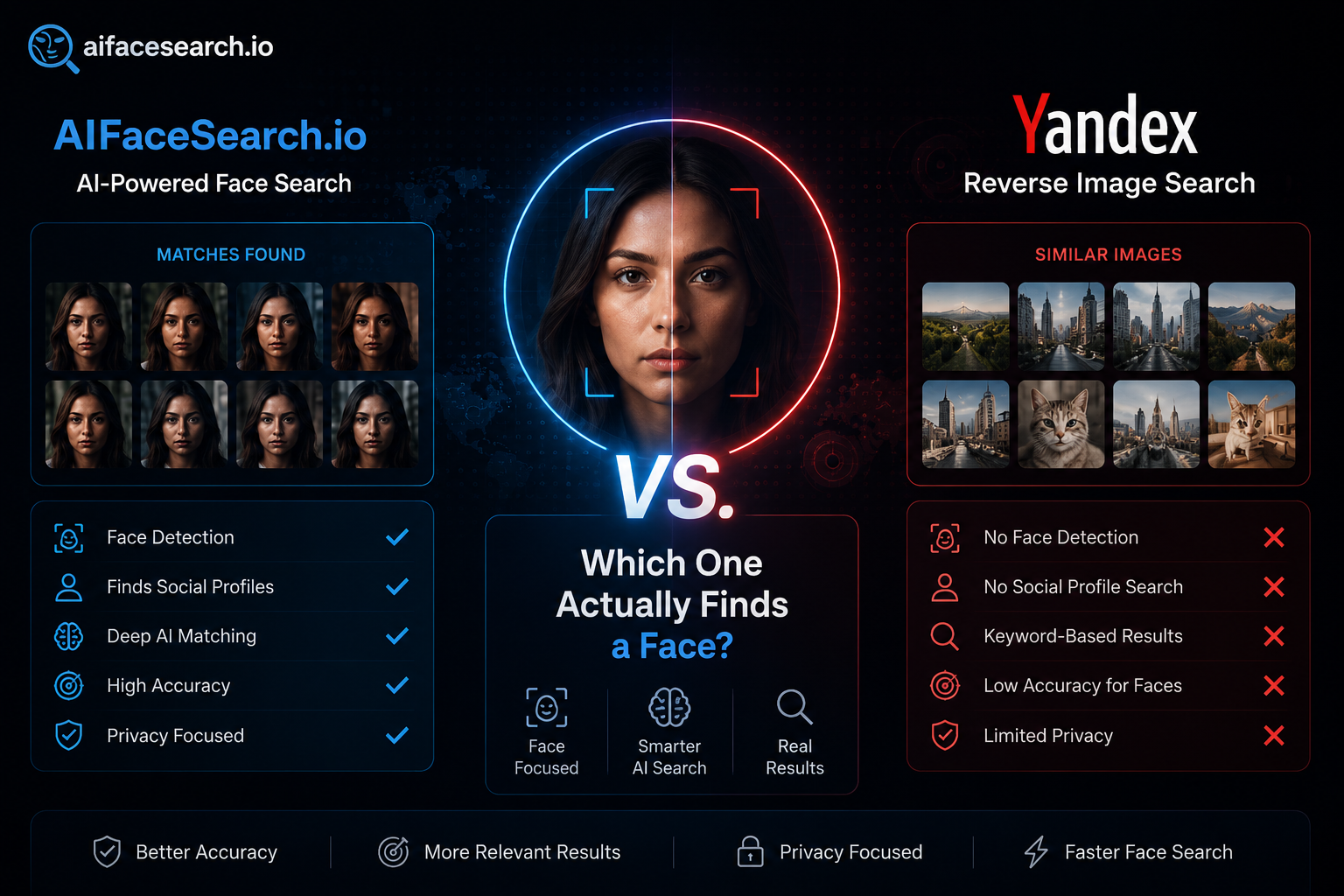
  • AIFaceSearch.io vs Yandex Reverse Image Search: Which One Actually Finds a Face?

    AIFaceSearch.io vs Yandex Reverse Image Search: Which One Actually Finds a Face?

    If you’ve spent any time in online safety, OSINT, or catfish-detection communities, you’ve likely heard two names come up again and again: a dedicated face search tool like AIFaceSearch.io, and the surprisingly powerful reverse image search built into Yandex, the Russian search engine. Both can help you trace a photo back to a real identity — but they’re built on fundamentally different technology, and that difference matters a lot depending on what you’re trying to find.

    This comparison breaks down how each tool actually works, where each one wins, and which is the better choice for your specific use case.

    The Core Difference: Purpose-Built vs. General-Purpose

    The single most important thing to understand is that these two tools were designed to solve different problems.

    AiFaceSearch is a dedicated facial recognition search engine. It was built specifically to analyze faces — mapping dozens of facial data points such as the distance between the eyes, jawline contour, and cheekbone structure — and match that biometric pattern across different photos of the same person.

    Yandex, on the other hand, is a general-purpose visual search engine. It wasn’t designed as a face recognition product at all; it’s built to find visually similar images of anything — objects, landmarks, products, and yes, faces. Its face-matching ability is a well-known side effect of how thoroughly its algorithms analyze visual composition, not its primary design goal.

    That distinction shapes almost everything else in this comparison.

    How Each Tool Handles Facial Matching

    AIFaceSearch.io

    AIFaceSearch.io‘s entire product is centered on the face. Its search engine analyzes facial geometry rather than general image composition, which means it’s built to recognize the same person even when the photo itself has changed significantly — different background, different lighting, a different haircut, or years between photos. Alongside its core face search, the platform also offers related tools such as face match (comparing two specific photos), social profile lookup, celebrity lookalike search, and an AI-generated image detector, all built around the same facial-analysis engine.

    Yandex Reverse Image Search

    Yandex approaches facial matching as one part of a much broader visual similarity system. Its algorithm weighs facial structure alongside background, clothing, color palette, and overall composition. This makes it very effective at finding exact reposts of a photo or catching a stolen profile picture that’s been reused elsewhere — but because it isn’t purely identity-focused, it can also return “lookalikes” who simply share a similar pose, lighting setup, or facial framing rather than being the same actual person.

    Feature-by-Feature Comparison

    FeatureAIFaceSearch.ioYandex Reverse Image Search
    Primary purposeDedicated face recognition searchGeneral-purpose visual/image search
    Matching methodFacial geometry and biometric mappingMixed visual similarity (face, background, color, composition)
    Best atFinding the same person across unrelated photosFinding exact reposts and stolen images
    Additional toolsFace match, social lookup, celebrity lookalike, AI image detector, batch processingBuilt-in OCR (text-in-image detection), object/landmark search
    Regional index strengthBroad public web, social platforms, and newsEspecially strong on Russian, Eastern European, and Asian web content
    Data privacy claimsStates it does not store uploaded search photos and uses end-to-end encryptionImages are processed through Yandex’s servers, based in Russia — a consideration for sensitive searches
    Cost modelFreemium with paid tiersFree to use
    Account requiredYes, for full featuresNo

    When AIFaceSearch.io Is the Better Choice

    • You’re trying to catch a catfish or verify a dating profile. Because it’s built to recognize the same person even across very different photos, it’s well-suited to situations where you only have one or two images to work with.
    • You want an all-in-one identity verification workflow. Features like batch processing (searching multiple images at once) and social profile lookup are aimed squarely at people doing verification or investigative work, not casual browsing.
    • Data handling is a concern. A platform built specifically around face search will typically be more explicit about how it handles biometric data, which matters if you’re dealing with sensitive searches.
    • You want to check for AI-generated or manipulated images. A built-in AI image detector is useful for spotting deepfakes or synthetic profile photos, a growing problem general search engines aren’t designed to catch.

    When Yandex Is the Better Choice

    • You’re trying to find the original source of a photo. Yandex’s strength in indexing reposted, scraped, and mirrored content makes it excellent for tracing exactly where an image first appeared online.
    • The photo may be linked to Eastern European, Russian, or Asian websites. Yandex’s index coverage in these regions is considerably deeper than most Western search engines, which matters if a scam or stolen photo originates from those areas.
    • You need built-in text recognition. Yandex can detect and extract text embedded in an image — a street sign, a name tag, a watermark — which is useful for context clues a pure face search won’t surface.
    • You want a completely free option with no account. Yandex requires no sign-up and imposes no obvious search limits for casual use.

    The Honest Limitation of Each Tool

    No single tool tells the whole story. Yandex can occasionally surface people who merely resemble your target rather than confirming an actual match, since its algorithm isn’t purely identity-based. AIFaceSearch.io, meanwhile, depends on the target person having some existing public photo footprint — if someone has almost no online presence, or the only comparison photo is AI-generated with no real-world matches, a dedicated face search may return limited results.

    The Smartest Approach: Use Both

    Investigators, journalists, and OSINT researchers rarely rely on just one tool, and for good reason. A practical workflow looks like this:

    1. Start with AIFaceSearch.io to identify potential facial matches across different photos and platforms, especially if you’re working from a single image.
    2. Cross-check with Yandex to trace the exact source of the photo and catch any reposted or stolen versions that a face-specific engine might rank lower.
    3. Compare the results. If both tools point to the same identity, your confidence in that match increases significantly. If they diverge, treat the result with more caution and keep digging.

    Final Thoughts

    AIFaceSearch.io and Yandex Reverse Image Search aren’t really competitors — they’re complementary tools solving overlapping but distinct problems. AIFaceSearch.io is the sharper instrument when identity is the whole point of the search: catfish detection, dating profile verification, or tracing a person across many different photos. Yandex is the better choice when your priority is tracing an image’s origin, especially across regions and languages other engines under-index. For anyone serious about photo-based verification, the winning strategy isn’t choosing one over the other — it’s using both together.

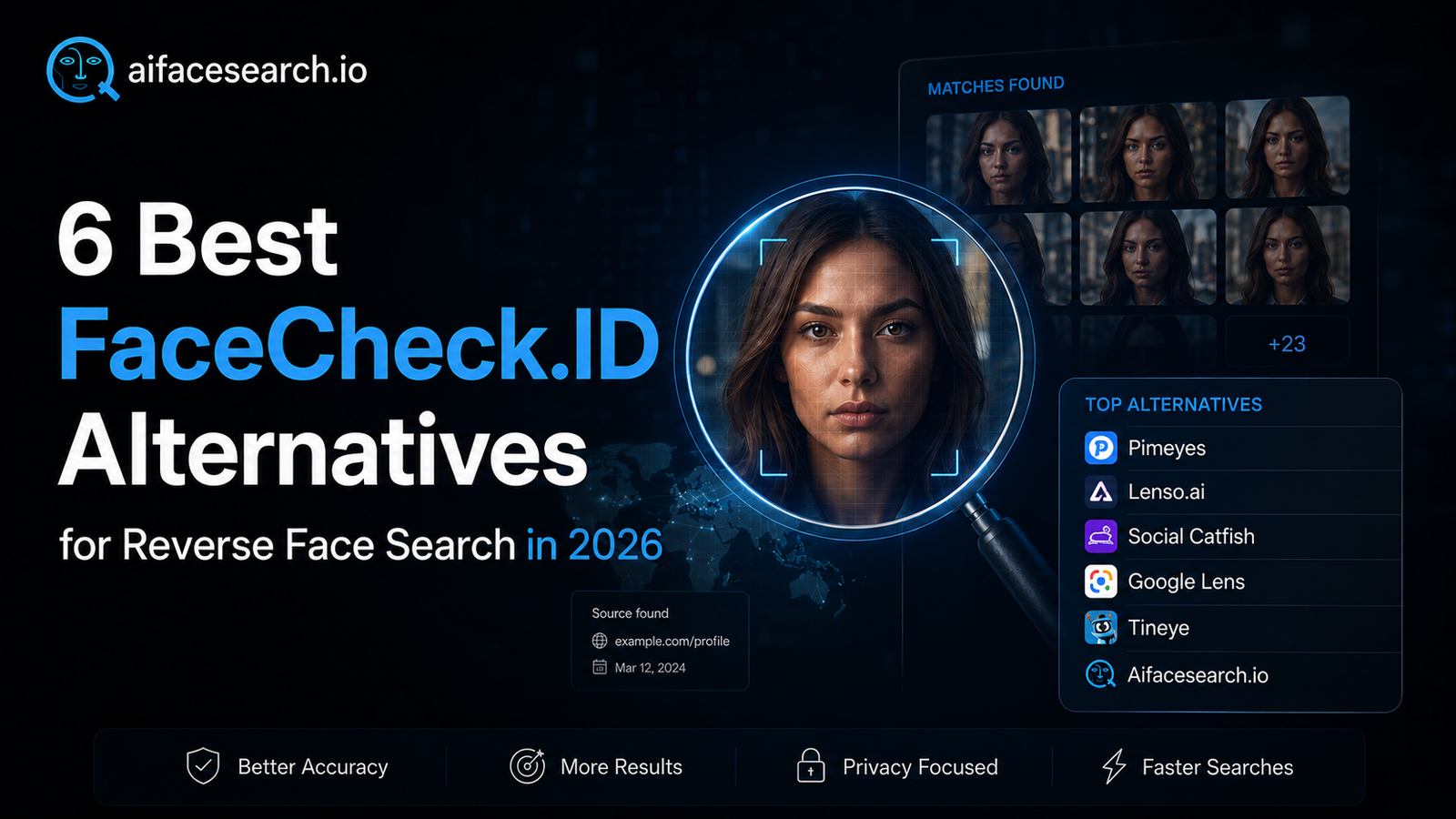
  • 6 Best FaceCheck.ID Alternatives in 2026

    6 Best FaceCheck.ID Alternatives in 2026

    FaceCheck.ID has long been a go-to reverse face search engine for verifying identities online — but it’s no longer the only game in town. In late 2024, FaceCheck.ID made a controversial pivot to cryptocurrency-only payments, accepting Bitcoin and Litecoin while dropping standard credit card processing. For most users who need quick, immediate answers, waiting 30 minutes for blockchain confirmations isn’t an option.

    Whether you’re verifying a dating profile, protecting your digital image, or conducting OSINT investigations, you need tools that actually work without the friction. In this guide, we cover the 6 best FaceCheck.ID alternatives available in 2026 — ranked by accuracy, ease of use, pricing, and real-world value.


    What Is FaceCheck.ID and Why Are People Looking for Alternatives?

    FaceCheck.ID is a reverse face search engine that scans the web for photos of the same face. It leverages AI-powered facial geometry matching — analyzing the distances between facial landmarks like the eyes, nose, and jawline — to locate matching images across social media, news sites, blogs, and criminal databases.

    The platform uses a credit-based pricing system, with plans ranging from $6 for 12 searches (“Just a Peek”) all the way up to $597 for 3,333 searches (“Professional”). For occasional use, the per-search model makes more sense than a subscription. However, since the move to crypto-only payments, a large portion of its user base has been effectively locked out.

    Common reasons users seek alternatives include:

    • Crypto payment barrier — No credit cards, PayPal, or Apple Pay accepted
    • Limited free tier — Free searches are extremely restricted
    • Speed and accuracy concerns — Inconsistent match quality on obscure images
    • Privacy considerations — Some users want stricter data-deletion policies

    The good news: several strong alternatives now match or exceed FaceCheck.ID on accuracy — and all of them accept normal payment methods.


    6 Best FaceCheck.ID Alternatives

    1. AIFaceSearch.io — Best Free Tool with Aggressive Facial Matching

    Best for: Free, broad reverse image searches with facial recognition Pricing: Completely free

    AiFacesearh.io is the dominant face search engine, and it’s a remarkably powerful free tool that most Western users overlook. Unlike Google, This tool employs aggressive facial recognition in its image search, actively matching the same face across social media and public websites in ways that Google deliberately avoids.

    The index is large (though not as precisely tuned for faces as PimEyes), and searches return results from a geographically diverse range of sources. For finding photos of people who are active on social media, AIFacesearch.io often surfaces results that Google and TinEye miss entirely.

    Key features:

    • Completely free, no account needed
    • Aggressive facial recognition matching
    • Large, geographically diverse index
    • Strong on social media and public profile discovery
    • Quick, no-friction interface

    Limitations: Does not crawl private social media platforms like Facebook, Instagram, or LinkedIn due to API restrictions. Results degrade on low-quality or heavily angled photos.

    Why it beats FaceCheck.ID: Standard payment methods, a generous free tier, and consistently strong accuracy on the kinds of low-quality images where FaceCheck.ID often falls short.


    2. PimEyes — Best for Deep Web Coverage and Professional Use

    Best for: Journalists, investigators, privacy-protection professionals Pricing: Free tier (blurred results); Open Plus at ~$29.99/month; Takedown assistance from $79.99/month

    PimEyes is widely regarded as the gold standard in consumer-accessible reverse face search. Founded in Poland in 2017, it has built an index of over 3.5 billion publicly available images — one of the largest databases of any tool in this category.

    Unlike FaceCheck.ID’s per-search model, PimEyes operates on a subscription basis, meaning unlimited facial searches across all paid plans. You upload a photo, and PimEyes maps the facial geometry and matches it against its enormous indexed database in seconds, surfacing thumbnails and source URLs from news sites, forums, blog posts, and other public web pages.

    The free tier shows whether matches exist but keeps results blurred. For full source URLs and actionable results, you’ll need the Open Plus plan. A redesigned 2026 dashboard makes managing search alerts and takedown requests significantly easier.

    Key features:

    • Index of 3.5 billion public images
    • Real-time facial match scanning
    • Built-in alert monitoring for new matches
    • Age-detection safety to prevent child image searches
    • GDPR-compliant with photo deletion within 30–48 hours

    Why it beats FaceCheck.ID: PimEyes accepts standard payment methods, offers unlimited searches on paid plans, and has a significantly larger image index. It’s the most obvious first stop after FaceCheck.ID.


    3. Lenso.ai — Best for AI-Powered Accuracy on Difficult Images

    Best for: Privacy protection, deepfake detection, catfish investigations Pricing: Free tier with 10 searches/day; paid plans from ~$16/month for source URL access

    Lenso.ai is a Poland-based platform launched in 2024, making it one of the newest entrants in this space — but its technology has matured quickly. What sets Lenso.ai apart is its ability to identify faces in edited, aged, filtered, or low-resolution images with above-average precision, making it ideal when the photo quality is less than ideal.

    The platform goes beyond simple face search. Its AI-trained models cover multiple search categories: people (face matching), places, duplicates, and related or similar images. This versatility means it doubles as a copyright image search tool for creators and brands trying to trace where their images have been published without permission.

    Lenso.ai has also positioned itself as a tool for detecting deepfakes and near-duplicate manipulated images — a capability that’s increasingly relevant as AI-generated content proliferates.

    Key features:

    • Specialized AI models for face, place, and duplicate searches
    • Strong performance on edited, filtered, and aged photos
    • Deepfake and near-duplicate image detection
    • Email alerts for new matches
    • Poland-based with EU data standards

    Limitations: Face search is only available in select regions. Full source URL access requires a paid subscription. Image index is smaller than Google Lens for broad content.


    4. Social Catfish — Best for Full Identity Verification

    Best for: Romance scam detection, dating verification, comprehensive background checks Pricing: Social search ~$27.95/month (100 social searches); image search ~$28.97/month (unlimited)

    Social Catfish is built for a different, but highly practical use case: catching catfish and scammers on dating apps and social platforms. Unlike pure facial recognition tools, Social Catfish combines face search with the ability to search by name, phone number, email address, and username — giving you a much fuller picture of who you’re dealing with.

    The platform scans available public records and social media data, which makes it particularly effective for situations where you have partial information about someone. If you’ve got a face but no name, or a name but no photo, Social Catfish can often bridge the gap.

    Given that romance scams and imposter fraud cost consumers over $1.16 billion in just the first nine months of 2025 alone (according to FTC data), having a tool specifically designed for this threat is genuinely valuable.

    Key features:

    • Multi-vector search: face, name, phone, email, username
    • Public records integration
    • Social media profile discovery
    • Dedicated for dating app verification and scam detection
    • No cryptocurrency required

    Limitations: More expensive than standalone face search tools. Not optimized for professional OSINT work or journalism. Generated reports can occasionally surface unrelated or outdated results.

    Why it beats FaceCheck.ID: Social Catfish covers far more ground by combining face search with traditional people-finder capabilities — and it accepts standard card payments.


    5. Google Lens — Best Free Option for Quick Checks

    Best for: Quick, free, casual reverse image lookups Pricing: Completely free

    Google Lens is not a dedicated facial recognition tool, but for a free solution, it’s more capable than most people realize. Enhanced significantly in 2025 with the addition of “Search Live” — a video-based reverse image search that stream-matches against Google’s index in real time — Google Lens now comes pre-installed in Chrome’s address bar on desktop as well as the standalone mobile apps.

    Google deliberately avoids the most aggressive facial recognition features (unlike Yandex), but it excels at finding the source and context of an image. If you upload a photo of someone and want to know where that photo originated, or whether it’s been used on fake profiles across the web, Google Lens is often the fastest starting point.

    Key features:

    • Completely free with no account required
    • Integrated across Chrome, Android, and iOS
    • “Search Live” video stream-matching (added 2025)
    • Identifies objects, text, landmarks, and faces in a single photo
    • Real-time translation in over 100 languages

    Limitations: Not a dedicated face-matching engine. Won’t find non-identical photos of the same person across different contexts the way PimEyes or Lenso.ai can. Best for finding image sources, not tracking a person’s likeness.

    Why it beats FaceCheck.ID: Entirely free, no crypto needed, and immediately accessible from any browser. The right first stop for casual checks before investing in a paid tool.


    6. TinEye — Best for Image Source Tracking and Copyright Verification

    Best for: Journalists, photographers, creators tracking image misuse Pricing: Free for non-commercial use; commercial API from $200 for 5,000 searches

    TinEye is one of the original pioneers in reverse image search, and while it doesn’t perform facial recognition in the true biometric sense, it has a specific superpower: finding exact and modified copies of a specific image across the web. Rather than analyzing facial features, TinEye creates a digital fingerprint of the entire image and hunts for that fingerprint — or close variations of it — across its indexed database.

    This makes TinEye invaluable when you have a specific photo you want to trace. Want to know if someone on a dating app is using a stolen photo that appears elsewhere online? TinEye will find it. Its browser extensions and API make it practical for journalists, researchers, and creators working with images at volume.

    Key features:

    • Original image fingerprinting (not facial recognition)
    • Finds exact and modified copies of photos
    • Browser extension for on-the-fly checking
    • Commercial API for high-volume use
    • No sign-up required for basic free use

    Limitations: Not a face-matching tool — it finds the same image, not the same face in different images. Smaller index than Google for general web content.

    Why it beats FaceCheck.ID: TinEye is free for personal use and requires no unusual payment methods. For the specific use case of tracking whether a photo has been stolen and reposted, it often outperforms facial recognition tools entirely.


  • Face Recognition in Policing: Benefits and Risks

    Face Recognition in Policing: Benefits and Risks

    Nowhere is the facial-recognition debate more intense than in law enforcement — because the stakes, on both sides, are at their highest.

    How police use facial recognition

    Police use of the technology generally falls into a few categories:

    • Retrospective search: comparing an image of an unknown suspect (from CCTV, a doorbell camera, or social media) against a database of mugshots or other reference images to generate investigative leads.
    • Live facial recognition (LFR): mounted cameras scanning faces of passers-by in real time and comparing them against a “watchlist” of wanted individuals. If there is no match, the images are deleted; if there is a match, nearby officers are alerted.
    • Operator-initiated facial recognition (OIFR): an officer uses a mobile app to check the identity of someone who cannot or will not identify themselves.

    Adoption is accelerating. In the UK — one of the most active deployers — live facial recognition was used by 13 of 43 police forces as of early 2026, with the Home Office announcing plans to expand the technology nationally, including the purchase of dozens of new LFR vans aimed at violent and sexual offenders. The first permanent LFR cameras were installed in South London in late 2025.

    The benefits

    Supporters point to concrete public-safety gains:

    • Finding missing people. This is consistently the most publicly supported use. In U.S. survey research, roughly 78% of people believe facial recognition would help police find more missing persons.
    • Solving crimes faster. The technology can rapidly narrow a suspect pool that would take human investigators days or weeks to work through. Around 74% of Americans surveyed expect it to help solve crimes more quickly.
    • Exonerating the innocent. The same comparison that implicates a suspect can also rule one out, clearing wrongly accused people.
    • Identifying suspects who refuse to cooperate. OIFR can resolve identity on the spot rather than relying on detention.

    Public opinion is broadly — if cautiously — supportive. UK Home Office research in 2025 found 64% of the public supported police use of the technology, with only about 11% opposed. Independent studies have reached similar conclusions.

    The risks

    The concerns, however, are serious and well-documented:

    • Accuracy and bias. Facial recognition is not infallible. Error rates have historically been higher for women and people with darker skin tones, raising the risk that the technology compounds existing racial disparities in policing. Some empirical studies have linked FRT use to increased racial disparities in arrests.
    • False arrests. When a match is treated as proof rather than a lead, the consequences are severe — there have been documented cases of people wrongly arrested based on a bad match.
    • Mass surveillance and the chilling effect. Live facial recognition scans everyone who walks past, not just suspects. Around 69% of Americans believe widespread police use would let authorities track everyone’s location at all times — a capability that can deter lawful protest and free assembly.
    • Disproportionate targeting. About two-thirds of Americans worry the technology would be deployed more heavily in Black and Hispanic neighborhoods.
    • Weak oversight. Critics — including, in the UK, the Equality and Human Rights Commission — argue that the law has not kept pace, leaving a “patchwork” of rules rather than a clear framework.

    Where regulation is heading

    Governments are scrambling to catch up. The UK ran a public consultation through early 2026 aimed at building a single, coherent legal framework to replace the current patchwork. Globally, regulatory approaches vary enormously — from near-bans in some jurisdictions to permissive frameworks in others.

    Among experts, a rough consensus on best practice has emerged, even where the law has not. The most widely cited principles include:

    • Use facial recognition only to generate investigative leads — never as the sole basis for an arrest.
    • Document and audit every use.
    • Train officers not just in how to use the tools, but when and why.
    • Appoint internal coordinators to oversee compliance.
    • Be transparent with the public about when and where the technology is deployed.

    The underlying message from researchers is sobering: the benefits of police facial recognition are often assumed rather than rigorously demonstrated, while the risks are well-theorized but under-examined in real-world practice. The technology is not a silver bullet, and treating it like one is where the danger lies.

    Frequently Asked Questions

    Is AI face search legal? The tools themselves operate legally in many places, but how you use them matters. Using face search to stalk, harass, or identify someone without consent can violate privacy, harassment, or data-protection laws depending on your jurisdiction. Several tools also offer opt-out processes for people who do not want their faces indexed.

    Can I remove my face from these search engines? Some face search services offer an opt-out request process, though it usually requires identity verification and only removes results from that engine — not from the original websites hosting the photos.

    Do stores have to tell me they use facial recognition?

    It depends on the jurisdiction. Some states and countries require notice through signage or disclosures; others do not have explicit requirements. Best practice — and increasingly, legal expectation — is clear posted signage at entrances.

    Is facial recognition accurate?

    Top algorithms tested by bodies like the U.S. National Institute of Standards and Technology can exceed 99% accuracy under ideal conditions. Real-world conditions — poor lighting, angles, low-resolution cameras — degrade performance, and accuracy has historically varied across demographic groups. That is exactly why experts insist it be used as one input among many, not as definitive proof.

    What’s the difference between facial recognition and facial detection?

    Facial detection simply identifies that a face is present in an image (the box your phone camera draws). Facial recognition goes further, matching that face to a specific identity.

    The Bottom Line

    Face recognition technology is neither a miracle nor a menace — it is a powerful tool whose value depends entirely on how, where, and by whom it is used.

    For consumers, understanding the difference between a reverse image search and a true face search is the first step toward protecting your own digital footprint. For retailers, the technology offers a real defense against an escalating theft crisis — but only if deployed with rigorous attention to privacy law and accuracy. And for the public debate around policing, the central challenge is making sure the safeguards, oversight, and evidence base catch up to a technology that is already being rolled out at scale.

    The questions are no longer hypothetical. The cameras are already on.