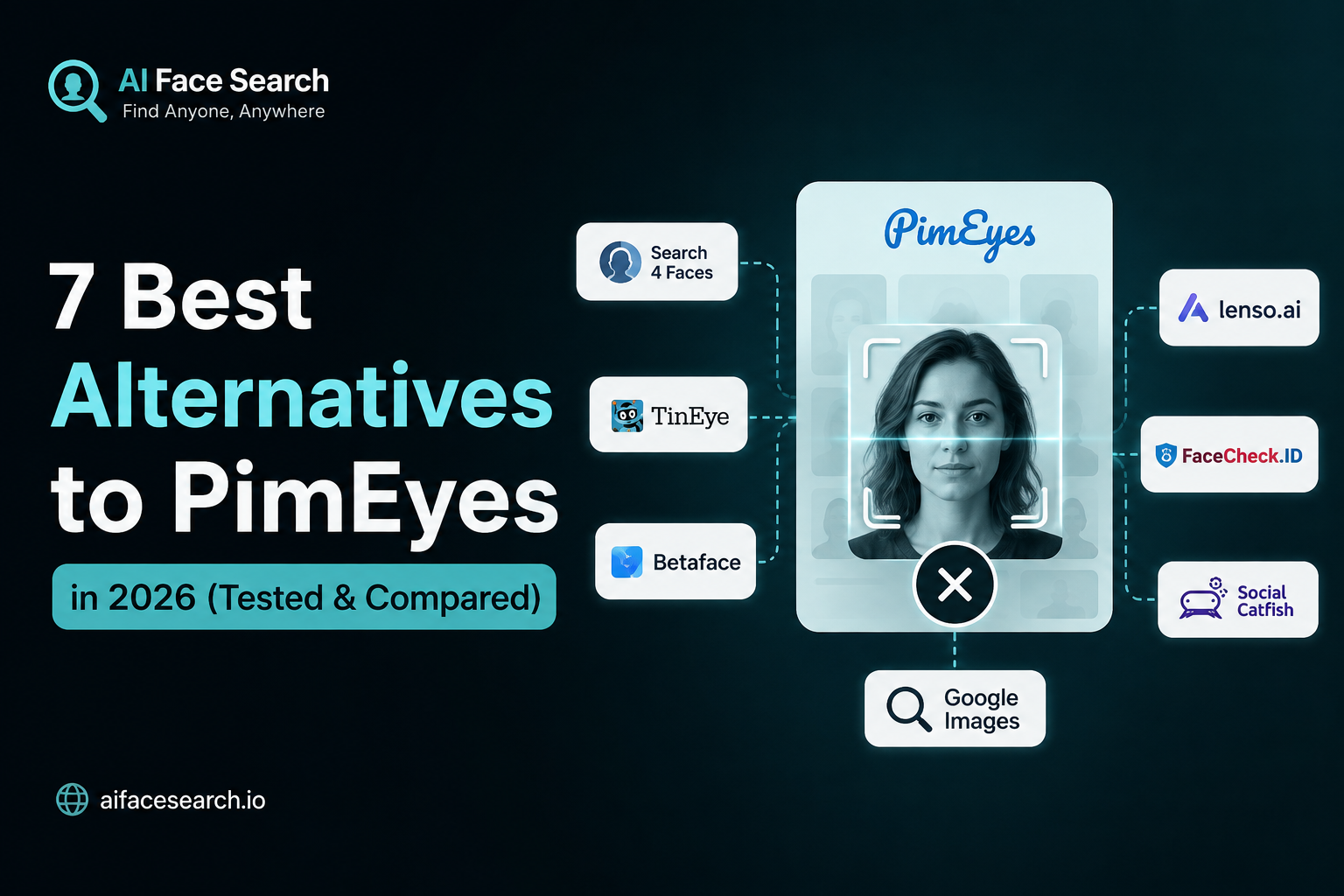
PimEyes has long been the go-to name in reverse face search — but it’s no longer the only option, and for many people, it’s not even the best one. Between rising subscription costs, limited free-tier access, and ongoing privacy debates around how PimEyes indexes and stores facial data, more users are actively looking for alternatives that offer better pricing, stronger privacy practices, or simply a better match rate.
In this guide, we’ve researched and compared the seven best PimEyes alternatives available in 2026 — including newer AI-driven engines like AIFaceSearch, established names like Social Catfish and TinEye, and privacy-first challengers like FaceCheck.ID and Lenso.ai. For each tool, we break down what it does well, where it falls short, pricing, and who it’s actually built for.
Why Look for a PimEyes Alternative?
Before jumping into the list, it’s worth understanding why so many people are searching for something other than PimEyes in the first place:
- Cost: PimEyes operates on a paid-subscription model. Its free tier lets you confirm a match exists but blurs thumbnails and hides source URLs, so getting anything actionable requires a monthly plan that can feel steep for a one-off search.
- Coverage gaps: PimEyes indexes the public web (news sites, blogs, forums) well, but it has limited reach into platforms that block crawling, meaning some social media images won’t surface.
- Privacy concerns: Because PimEyes performs unrestricted face-based lookups, it has drawn criticism from privacy advocates and regulators in multiple regions over consent and biometric-data handling.
- Use-case mismatch: Not everyone needs the same thing. Some people want identity verification (who is this person?), others want digital-footprint monitoring (where does my photo appear?), and others want to detect deepfakes or catfishing attempts. PimEyes isn’t optimized for all of these equally.
With that context, here are the seven alternatives worth considering.
1. AIFaceSearch.io: Best AI-Powered Alternative Overall
AIFaceSearch.io has quickly become one of the most talked-about PimEyes competitors in 2026, and for good reason. Rather than relying primarily on basic image-similarity matching (the way older reverse-image tools do), AIFaceSearch uses deep learning and facial embeddings — mapping the geometric structure of a face, the distances between key features, and other biometric patterns — to identify matches even when photos differ in lighting, angle, age, or image quality.
What makes it stand out:
- Smarter matching, not just duplicate detection. Because it compares facial structure rather than pixel similarity, AIFaceSearch tends to perform better than legacy tools on cropped photos, low-resolution images, or pictures taken years apart.
- Clean, accessible interface. It’s built to be usable by everyday people, not just researchers or investigators — upload a photo and get readable results without a steep learning curve.
- Broad use-case coverage. It’s positioned well for identity verification, social discovery, dating-safety checks, and general reverse face lookups.
Best for: Users who want next-generation AI matching accuracy without the complexity (or price tag) of enterprise-grade tools.
Consideration: As a newer entrant relative to PimEyes, its historical/archival image coverage is still growing, though its core matching technology is frequently cited as one of the more advanced options on the market right now.
2. Lenso.ai: Best for Exact Face Matches with Source URLs
Lenso.ai is one of the most direct PimEyes competitors, built specifically around finding exact face matches and returning the original URLs where an image was published — not just visually similar faces.
Key features:
- Upload multiple images of the same person to improve match precision.
- Filter results by time frame.
- Share results or copy a result ID for record-keeping.
- Re-search using an image pulled directly from your results, letting you chain searches to trace an image’s spread across the web.
Best for: People who need to verify where a specific photo has been republished — useful for spotting scam profiles, catfishing, or unauthorized use of personal images.
Consideration: Like PimEyes, full functionality sits behind a paid plan, though many reviewers rank it as a strong (and in some cases preferable) alternative on raw accuracy.
3. FaceCheck.ID: Best for Identity Resolution
Where PimEyes mostly answers “where else does this image appear?”, FaceCheck.ID is built to answer a different question: “who is this person?”
Key features:
- Credit-based pricing instead of a mandatory recurring subscription — useful if you only need occasional searches.
- Focus on surfacing social media profiles and public records tied to a face, not just matching images.
- Confidence scoring on results to help filter out weak matches.
Best for: Identity verification and background-style checks where you want to know who someone is, not just where their photo has been posted.
Consideration: It’s not a dedicated face-matching engine in the same exhaustive sense as PimEyes or Lenso.ai — it won’t always catch non-identical photos of the same person across very different contexts.
4. Social Catfish: Best All-in-One Identity Verification Platform
Social Catfish takes a broader approach than pure face search. It combines reverse image search, facial recognition, and traditional people-search (name, email, phone number, username, address) into a single platform.
Key features:
- Cross-references facial matches against public records for a fuller identity picture.
- Useful beyond face search alone — you can start with a name, phone number, or username instead of a photo.
- Popular specifically for online dating safety, helping users verify whether a match’s photos and profile are genuine or lifted from someone else.
Best for: Catfishing and romance-scam detection, or any situation where you have more than just a photo to work with.
Consideration: Its facial-recognition layer is lighter than dedicated face-search engines — the real strength is in how thoroughly it cross-references multiple data points at once.
5. TinEye: Best for General Reverse Image Search
TinEye isn’t a facial-recognition tool in the strict sense — it’s a reverse image search engine — but it’s included here because it’s frequently used as a lightweight, free alternative when the goal is simply to find out where a photo has appeared online, including profile pictures.
Key features:
- No facial biometric matching — it compares full images, not facial geometry.
- Strong at finding exact or near-exact copies of an image across the web.
- Long-established index with reliable, fast results.
Best for: Quickly checking whether a profile photo has been stolen or reused elsewhere, without needing dedicated facial-recognition technology.
Consideration: Because it doesn’t do true facial matching, it will miss cases where the same person appears in a different photo — it only catches reuse of the same image.
6. Eyematch.ai: Best Simple, Focused Face Search Tool
Eyematch.ai keeps things intentionally minimal. It doesn’t try to be an identity-verification platform or a people-search aggregator — it does one thing: search by face and locate photos of that person across the public web.
Key features:
- Straightforward upload-and-search flow with no unnecessary extras.
- Supports group photos, letting you select which face in the image to search for.
- Effective core matching despite the stripped-down feature set.
Best for: Users who want a no-frills tool focused purely on face search, without extra identity-verification add-ons.
Consideration: The simplicity is also a limitation — there’s no built-in record aggregation, monitoring, or takedown workflow the way some competitors offer.
7. Face Search AI: Best Free Option
If cost is the main reason you’re leaving PimEyes, Face Search AI is worth a look. It’s built specifically as an accessible, no-subscription-required alternative.
Key features:
- A limited number of free reverse face searches per day with no card or signup required.
- Searches only publicly indexed content — public profiles, posts, and pages — and explicitly excludes private accounts and surveillance sources.
- Offers a free takedown/removal request form for people who want their own face excluded from results.
Best for: Casual users who need to verify a face occasionally and don’t want a recurring subscription.
Consideration: The free tier is rate-limited, and index depth is smaller than PimEyes’ long-established archive — heavier or professional use cases will likely need a paid plan.
Final Thoughts
PimEyes helped popularize reverse face search, but in 2026 it’s competing against tools that are faster, cheaper, more private, or simply better suited to specific tasks. AIFaceSearch stands out as the strongest all-around AI-powered alternative thanks to its deep-learning-based facial matching, while Lenso.ai, FaceCheck.ID, and Social Catfish each excel in more specialized use cases. If budget is the main concern, Face Search AI and TinEye offer genuinely free ways to get started.
The best approach: match the tool to your actual need — identity verification, image tracing, scam detection, or casual curiosity — rather than assuming one platform does it all.